




Product |
Arduino Brick
|
Sensor Brick
| Sharp IR Range Measurement GP2D120 -Arduino Compatible
Arduino Sharp IR Range Measurement GP2D120

By using electronic bricks, you may connect Arduino compatible boards easily with various digital, analog and I2C/Uart interfaces. These the breadboard-less firm connection are prepared to extensive modules like poteniometers, sensors, relays, servos...even buttons, just plug and play.
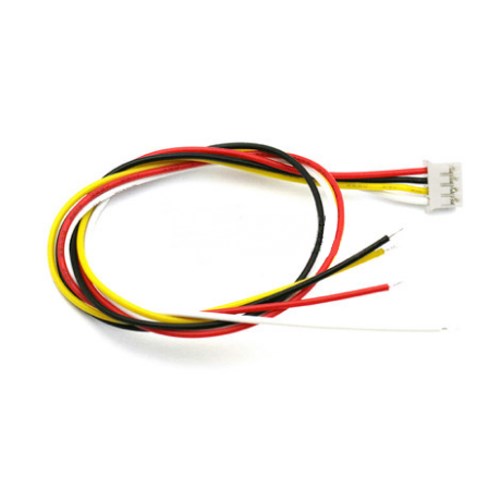
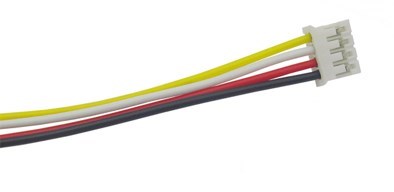
Each terminal module has buckled port with VCC, GND and Output, which has corresponding port on the sensing board, with a plain 2.54mm dual-female cable you may start playing already. Buckled brick cables are like cement for bricks, make the connections easier, secure and more professional looking.
It is very interesting Electronic Brick Module-16
This module can be used with Arduino Special Sensor Shield V4.0.
You can do some simple design about it,“plug and play”。


Arduino Sharp IR Sensor - GP2D120

Specifications :
1、Measuring range : 10 to 80 cm
2、The maximum allowable Angle : > 40 °
3、The power supply voltage : 4.5 to 5.5 V
4、The average power consumption : 35 mA
5、Peak power consumption : about 200 mA
6、The frequency of updates/cycle : 25 Hz/40 ms
7、Analog output noise : < 200 mV
1、Measuring range : 10 to 80 cm
2、The maximum allowable Angle : > 40 °
3、The power supply voltage : 4.5 to 5.5 V
4、The average power consumption : 35 mA
5、Peak power consumption : about 200 mA
6、The frequency of updates/cycle : 25 Hz/40 ms
7、Analog output noise : < 200 mV

Arduino take six channel 10 ADC with itself, so we can directly connect the GP2D12 sensor with Arduino analog interface, and read the feedback value of this sensor.
According to the official manual, it is known that the output of the GP2D12 is 0.4 V ~ 2.4 V analog signals, corresponding 10 ~ 80 cmkjtance, output is inversely proportional to distance, and nonlinear .
Outline Dimensions :
.jpg)
Test Code : ( Just for referring )
int i;
int val;
int redpin=0;
void setup()
{
pinMode(redpin,OUTPUT);
Serial.begin(9600);
}
void loop()
{
i=analogRead(redpin);
val=(6762/(i-9))-4;
Serial.println(val);
}
Now you can watch the distance value in the window of Arduino 0021

Categories
Newsletter
Join our newsletter today, to get latest product information and promotion code.